Hi,
I’m trying to create a task to delete Maven snapshots using Nexus 3.84.1. Specifically, I’m trying to use the “Maven - Delete SNAPSHOT” task.
When I go to select a repository, the UI shows a “Loading” spinner, but never actually shows a list of repositories:

Eventually, the UI times out with the error: “Operation failed as server could not be contacted”
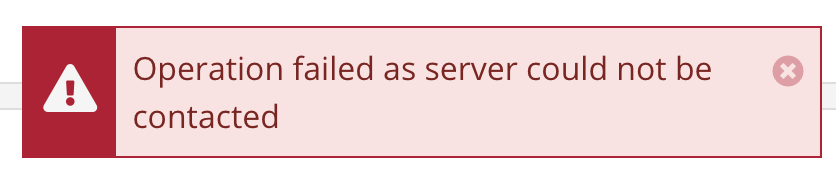
I see the same problem if I try to create a task of type “Maven - Delete unused SNAPSHOT”, but I am able to create other Maven tasks like “Repair Base Version” successfully - the list of repositories loads fine there. So perhaps the problem is specific to tasks require a repository that can contain SNAPSHOT versions.
I’ve tried simply typing the identifier of the repository I want to use in the input field (i.e. “snapshots”), but the text disappears and is replaced by a placeholder when I switch focus to the next field.
Is there anything I can do to repair the instance so that I can select a SNAPSHOT repository and create the task? I’ve seen this feature work on another instance of the same version, so it seems to be something wrong with the data itself.
Thanks,
Martin